
The smartest way to author Mermaid diagrams
Code intelligence, visual editing, and AI tooling, all native to JetBrains IDEs and fully offline.
30-day Studio trial, no credit card required. Or browse the documentation.
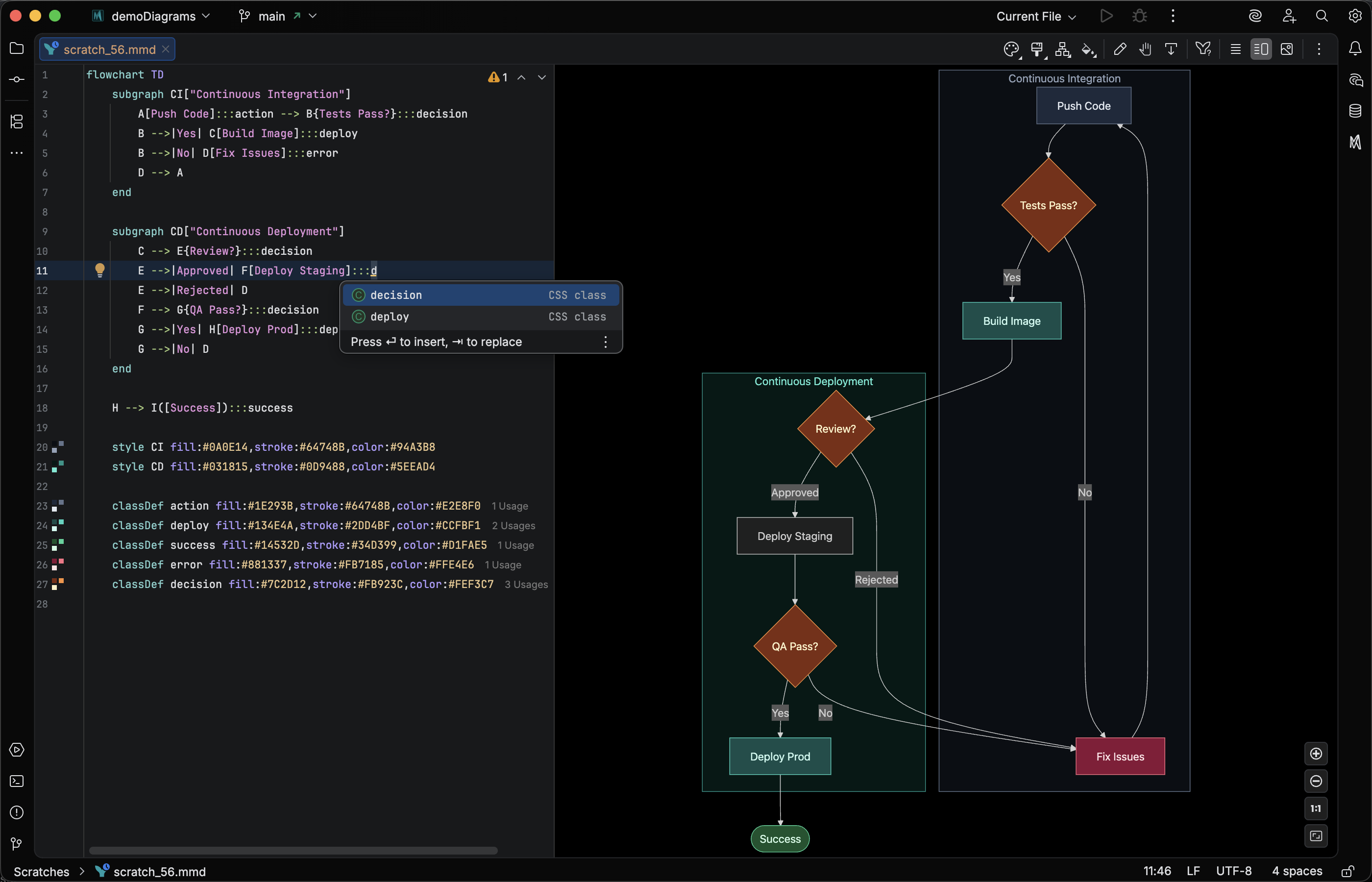
Built on deep semantic understanding
Custom parsers for every diagram type power code intelligence that text editors can't match.
-
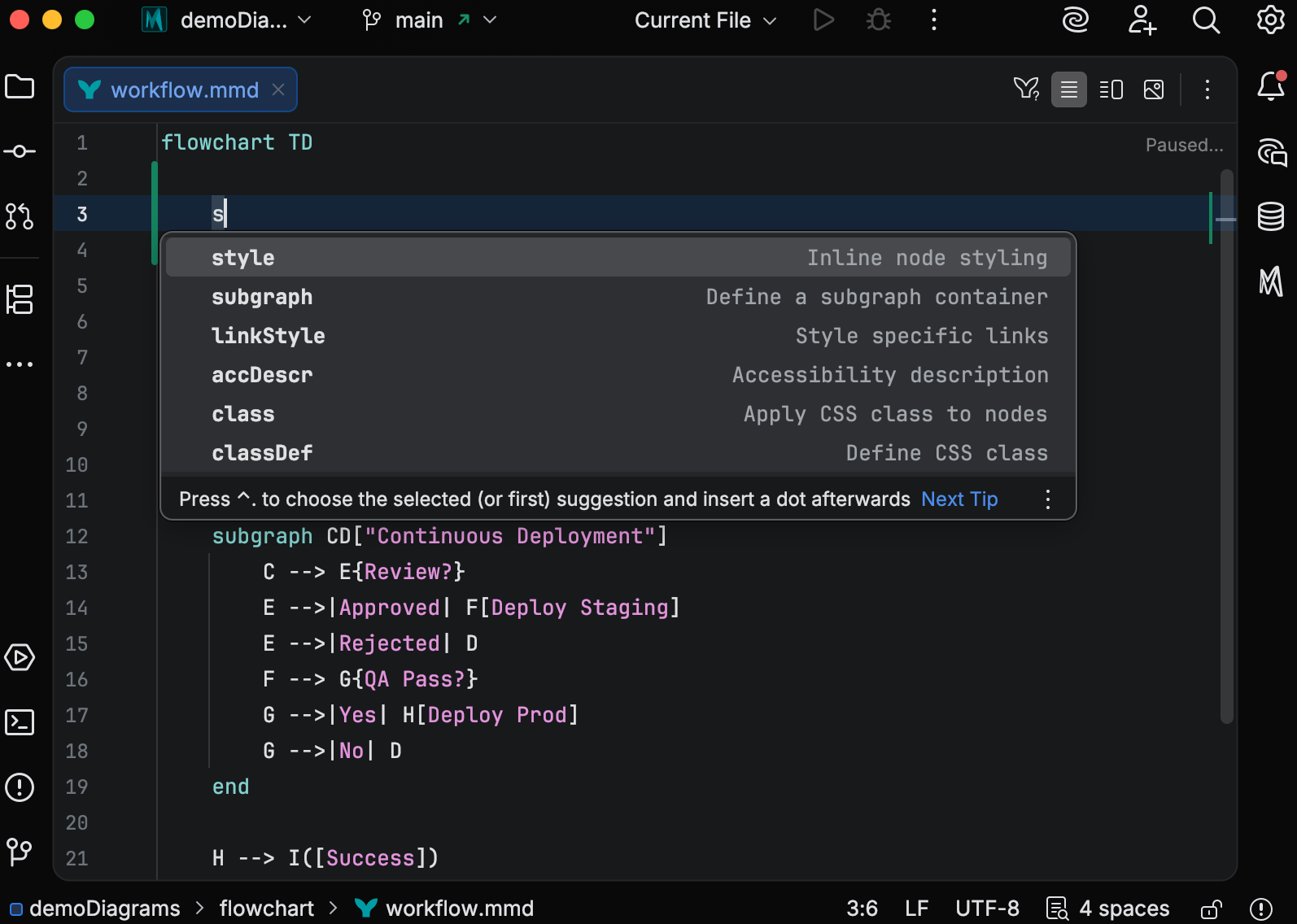
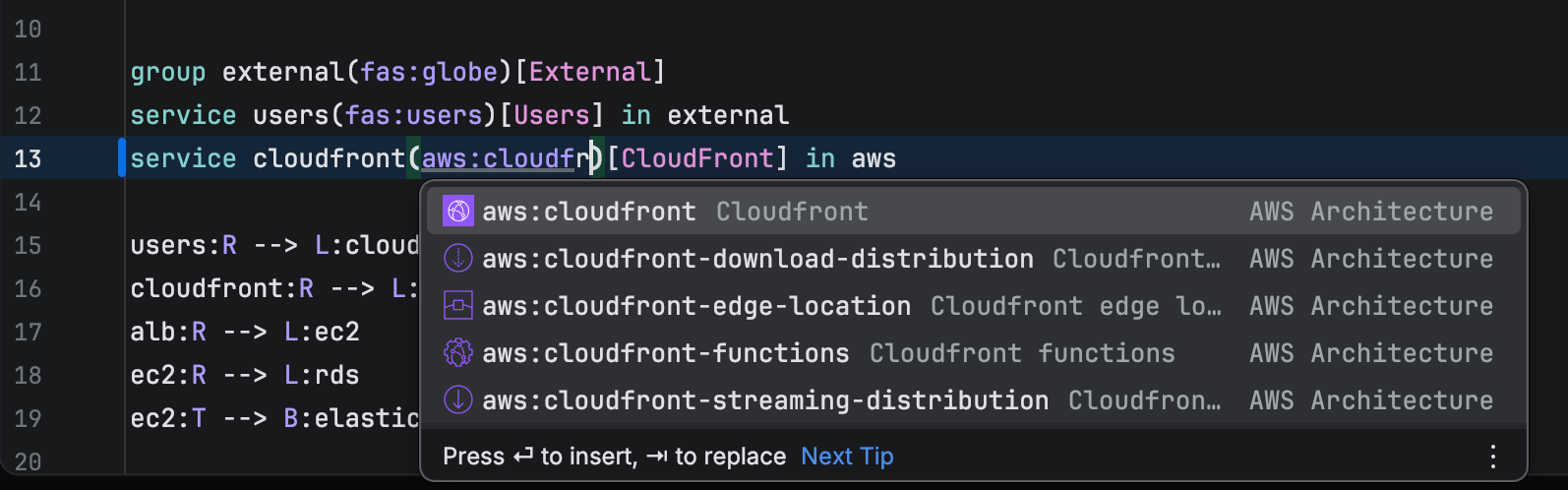
Smart completion
Suggestions match exactly what fits at your cursor. Keywords, nodes and classes already in your file, structural elements, and icons from bundled FontAwesome, AWS, Azure, and GCP sets appear only where they'd actually work.
-
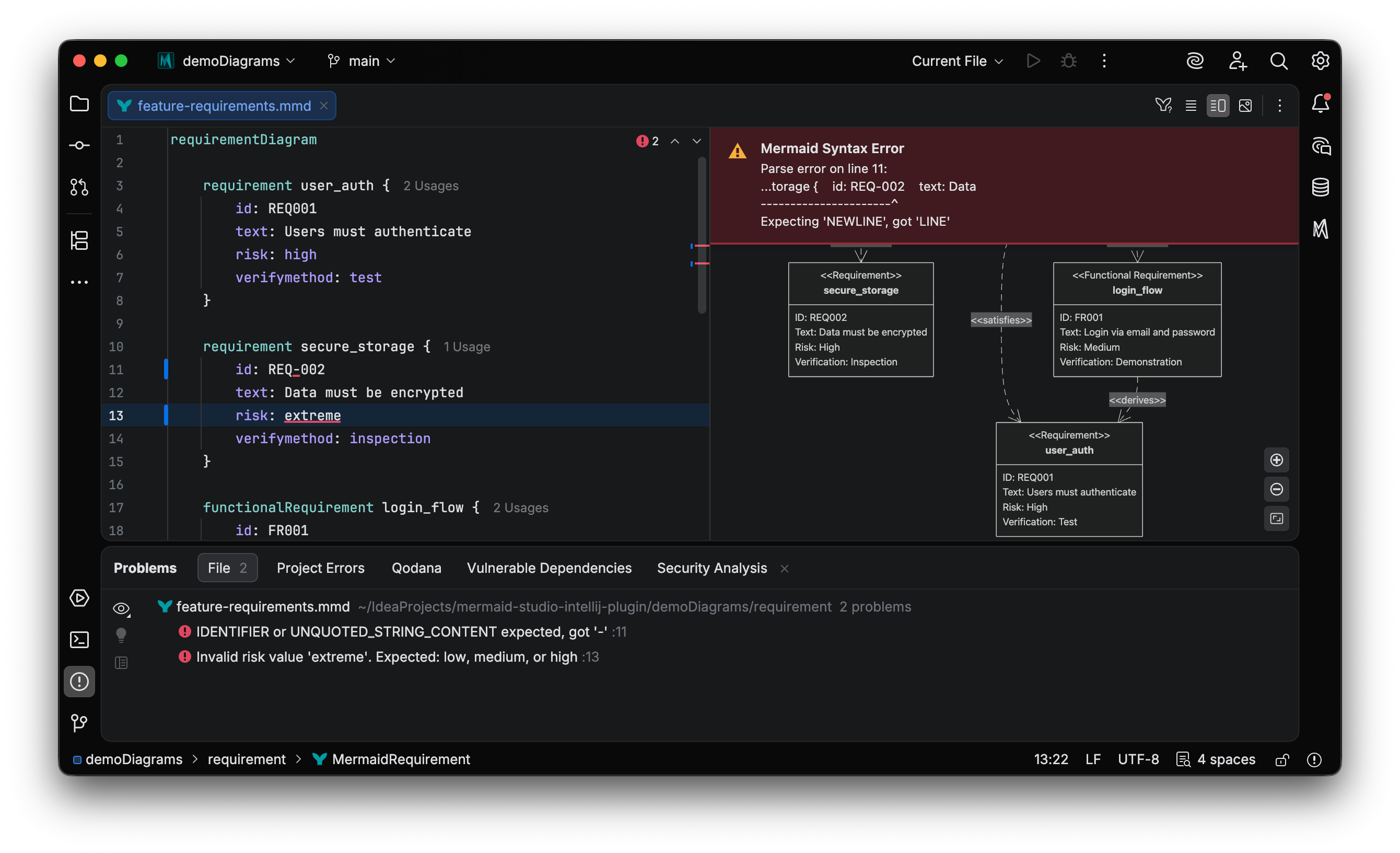
Real-time validation
Errors surface as you type, including semantic mistakes like unknown references and invalid diagram structures. Quick fixes repair common issues with a single keystroke.
-
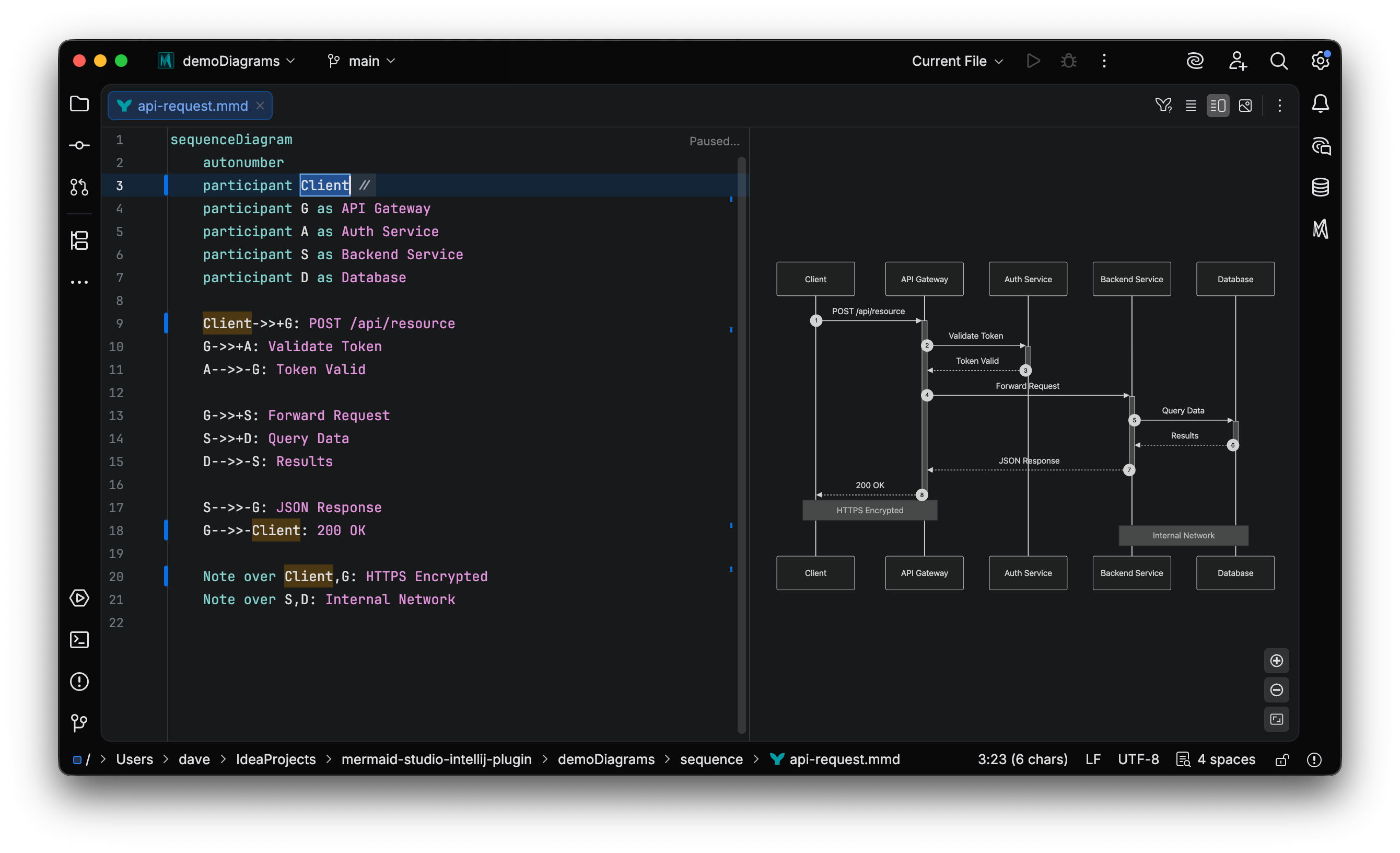
Safe refactoring
Rename any node, class, or subgraph and every reference across the diagram updates with it. No search-and-replace, no missed references, no manual cleanup.
-
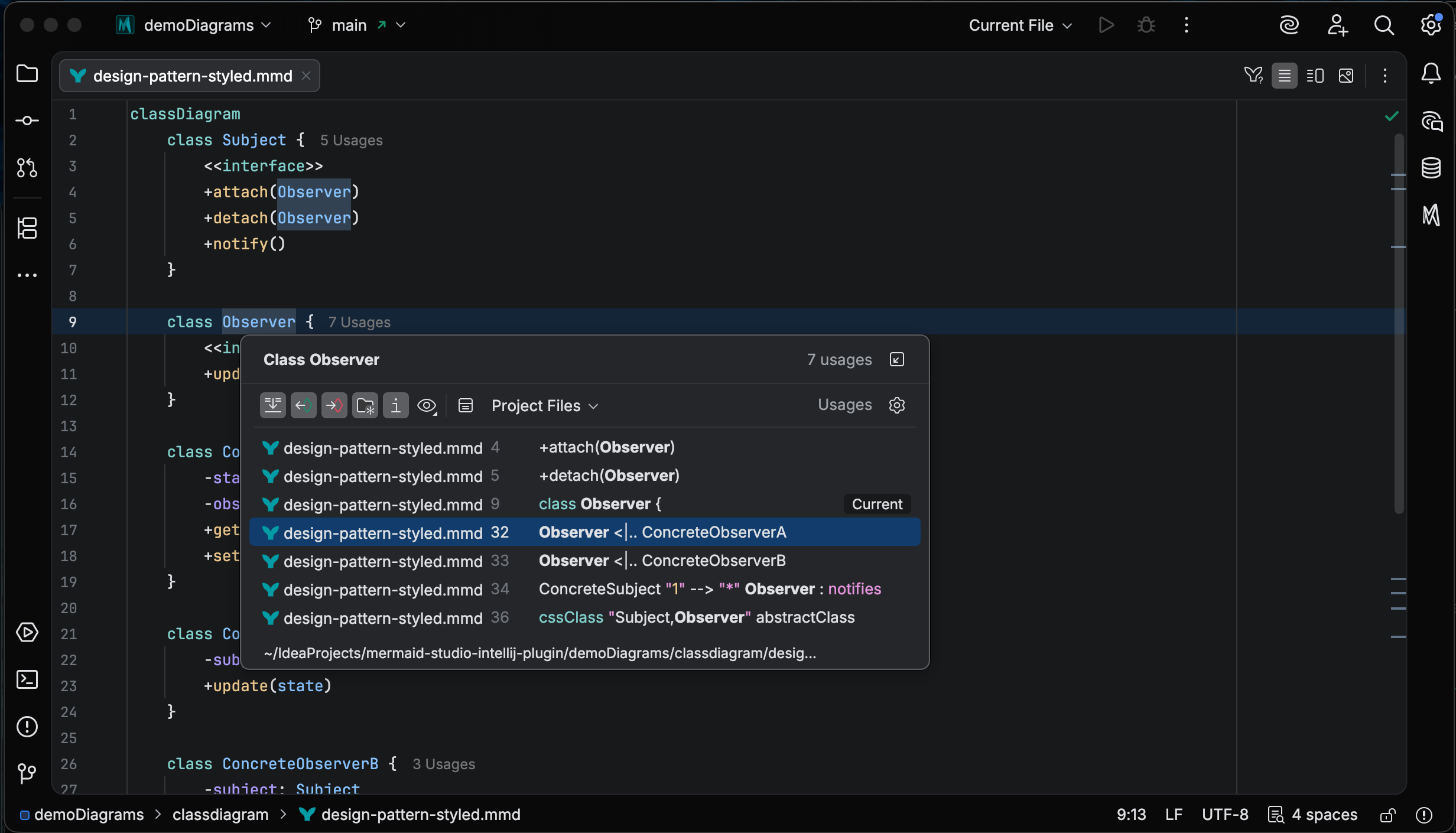
Find usages & navigation
Jump to definition, list every use of any element, and navigate the diagram like any other IDE symbol. Large diagrams stop feeling unmanageable.
-
Semantic highlighting
Nodes, edges, labels, and classes each get their own color, making the structure of a diagram readable at a glance.
The full Mermaid toolchain, built into your IDE
Drag-and-drop editing, MCP-powered AI generation, and live preview, native to JetBrains IDEs and fully offline. With two features no other Mermaid editor has: full code intelligence inside Markdown code fences, and theme CSS completions for every class in the rendered preview.
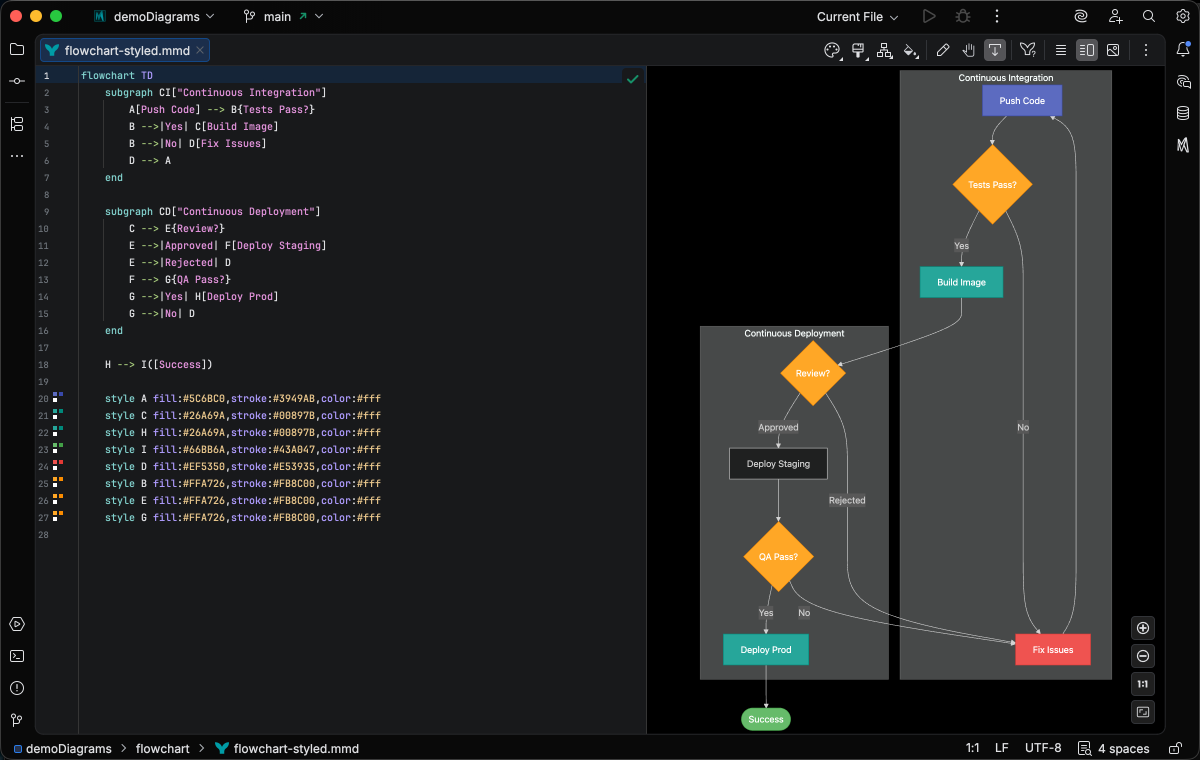
Drag-and-Drop Visual Editing
Build and edit flowcharts visually with a live editor that writes Mermaid code for you. Add nodes, drag to connect, restyle with a click. The editor treats your file as the source of truth, making targeted edits that preserve comments and formatting.
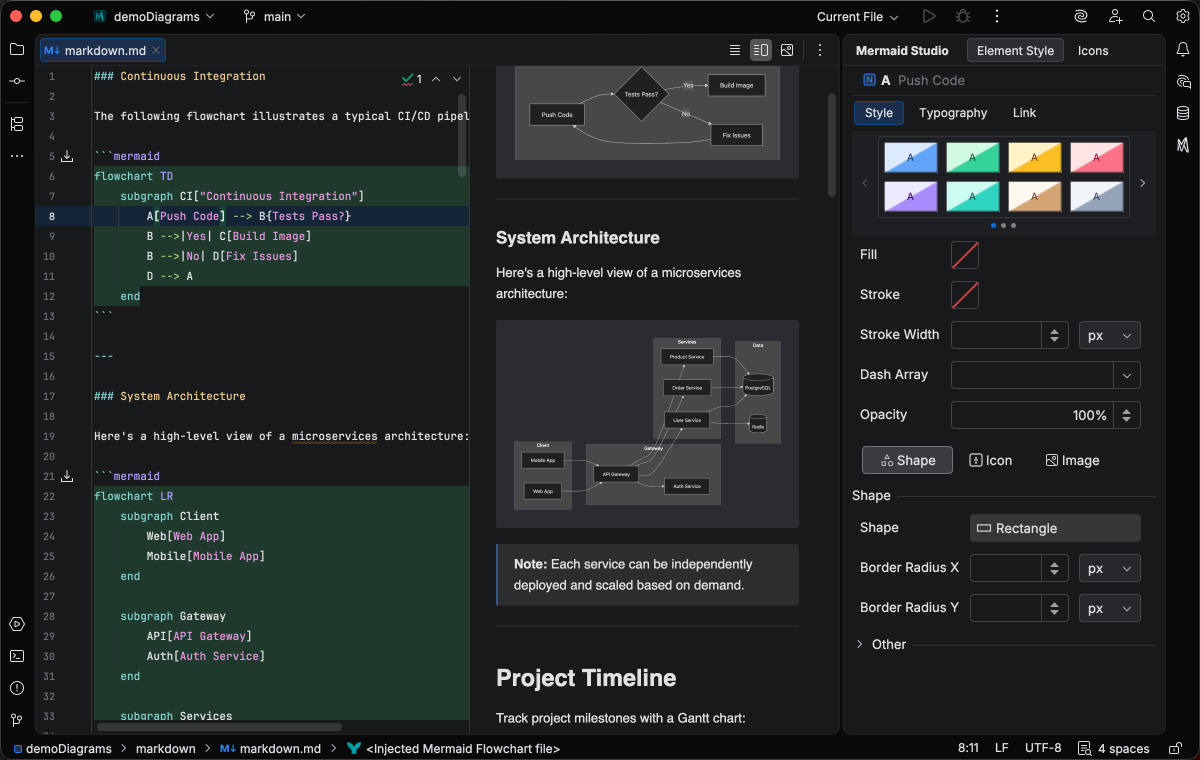
Advanced editing and styling in Markdown
Completions, validation, refactoring, hover docs, and the visual style pane all work inside mermaid code fences, letting you edit and style diagrams directly in your Markdown files.
Equip your agents to build, repair, and validate diagrams
Our MCP toolkit exposes Mermaid Studio's code intelligence and rendering pipeline to AI agents. They can create, repair, validate, and render diagrams end to end. Compatible with Claude, Copilot, Cursor, and any MCP-aware agent.
Style every detail of your diagrams
Go beyond default themes with full CSS highlighting and completion for the themeCSS: frontmatter. Class name completions come from the live rendered preview, so you always know exactly which selector targets the element you want to style.
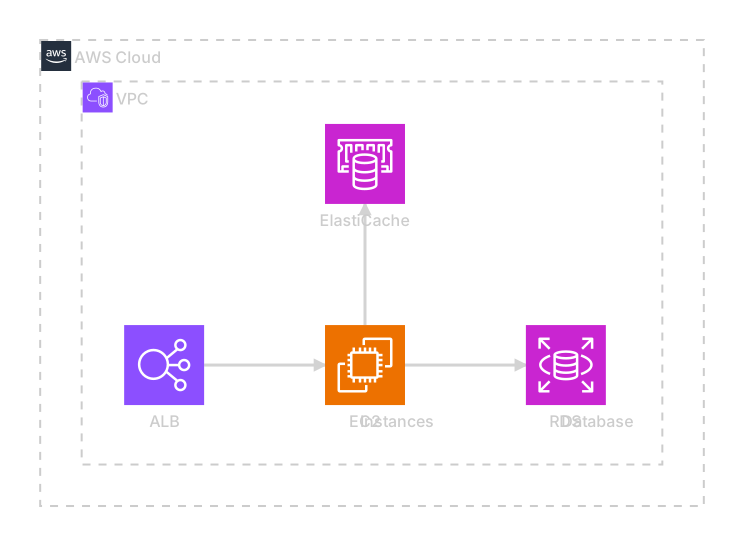
Advanced icon set management
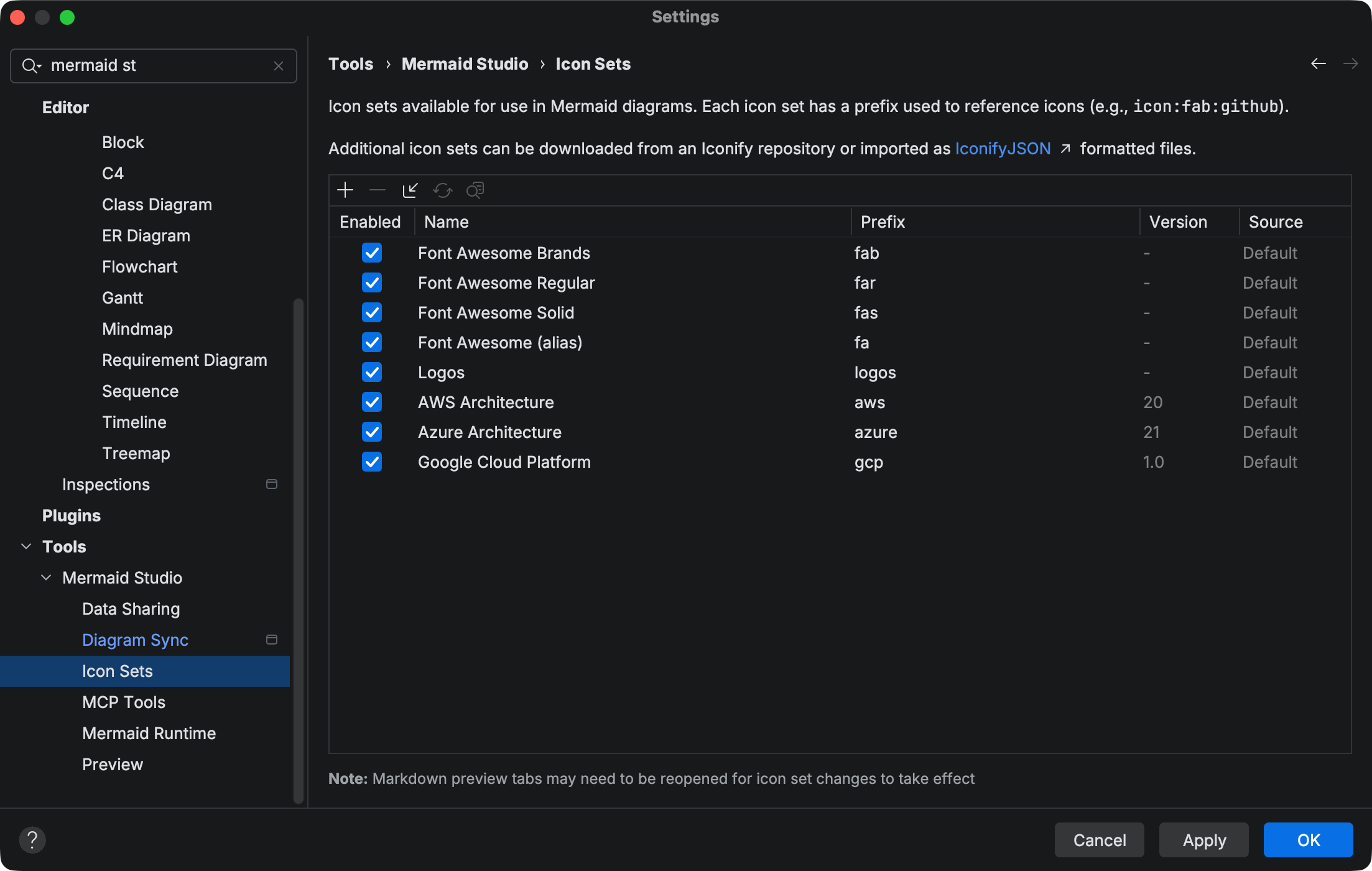
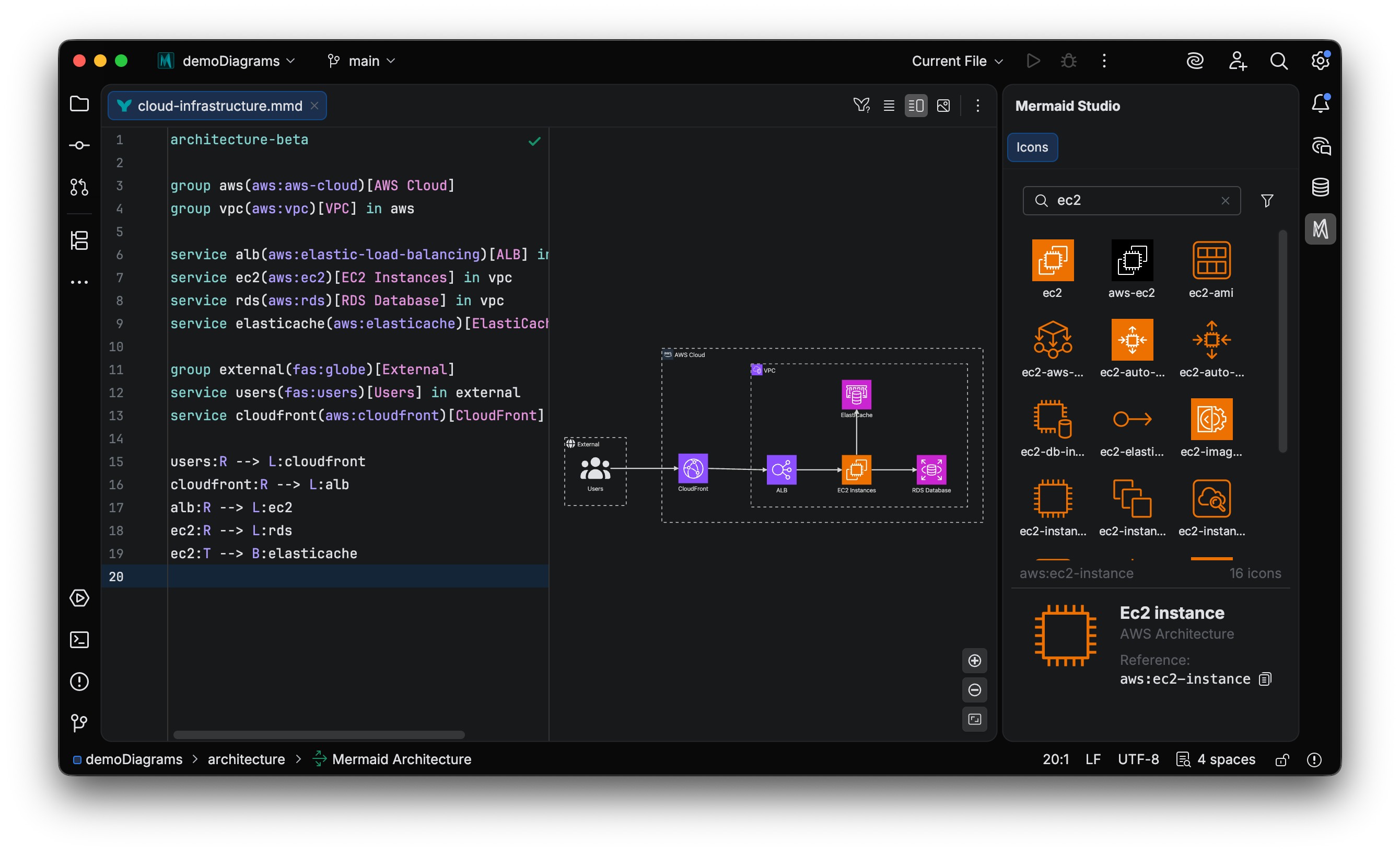
FontAwesome, AWS, Azure, and GCP ship bundled. Paid tiers let you import from any Iconify collection or add custom icon repositories. Completion, the visual picker, and rendering draw from every set you've loaded, whatever its source.
Try every paid feature free for 30 days
Install the Mermaid Studio plugin for full code intelligence, visual editing, AI tooling, and advanced styling across every diagram type. No credit card required.
Export, print, and sync on your terms
PDF, PNG, SVG, and auto-sync, with fine control over how each export looks.
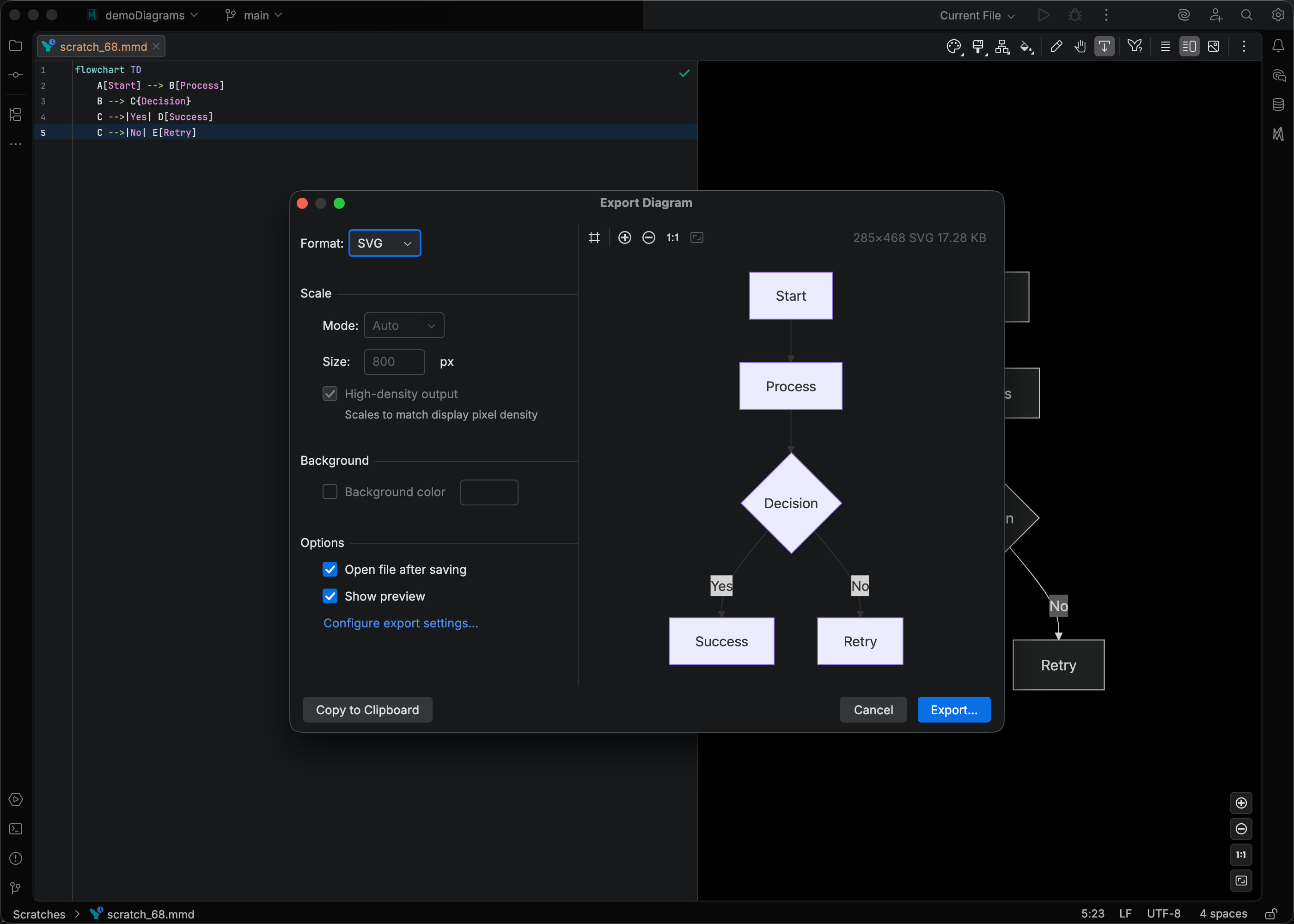
Export to PNG & SVG
Precise control over scale, high-density output, and background fill. Preview before you save, or copy straight to the clipboard in one click.
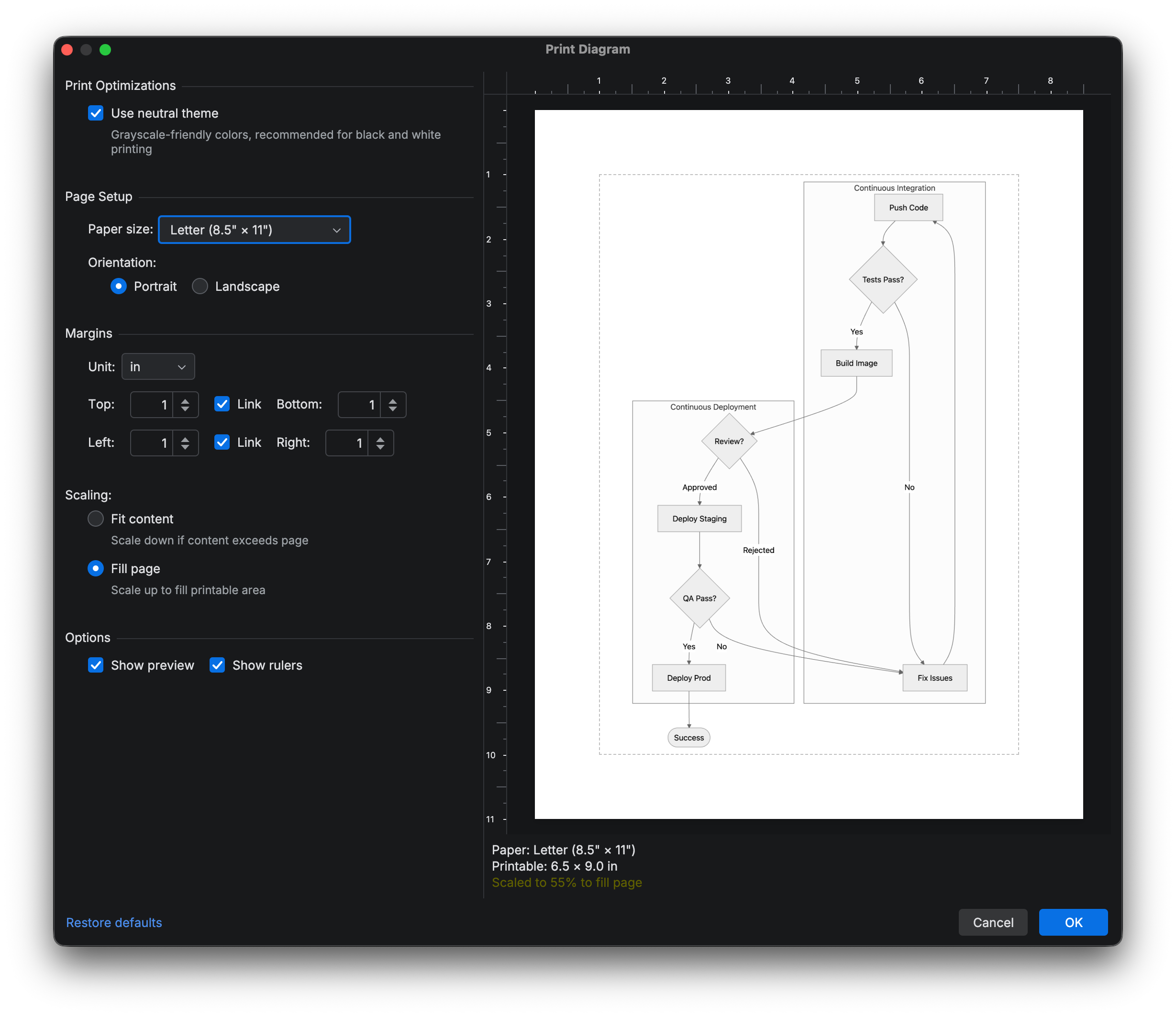
Print to PDF
Paper size, margins, orientation, scaling, and custom page presets. A neutral-theme toggle keeps diagrams legible on black-and-white prints.
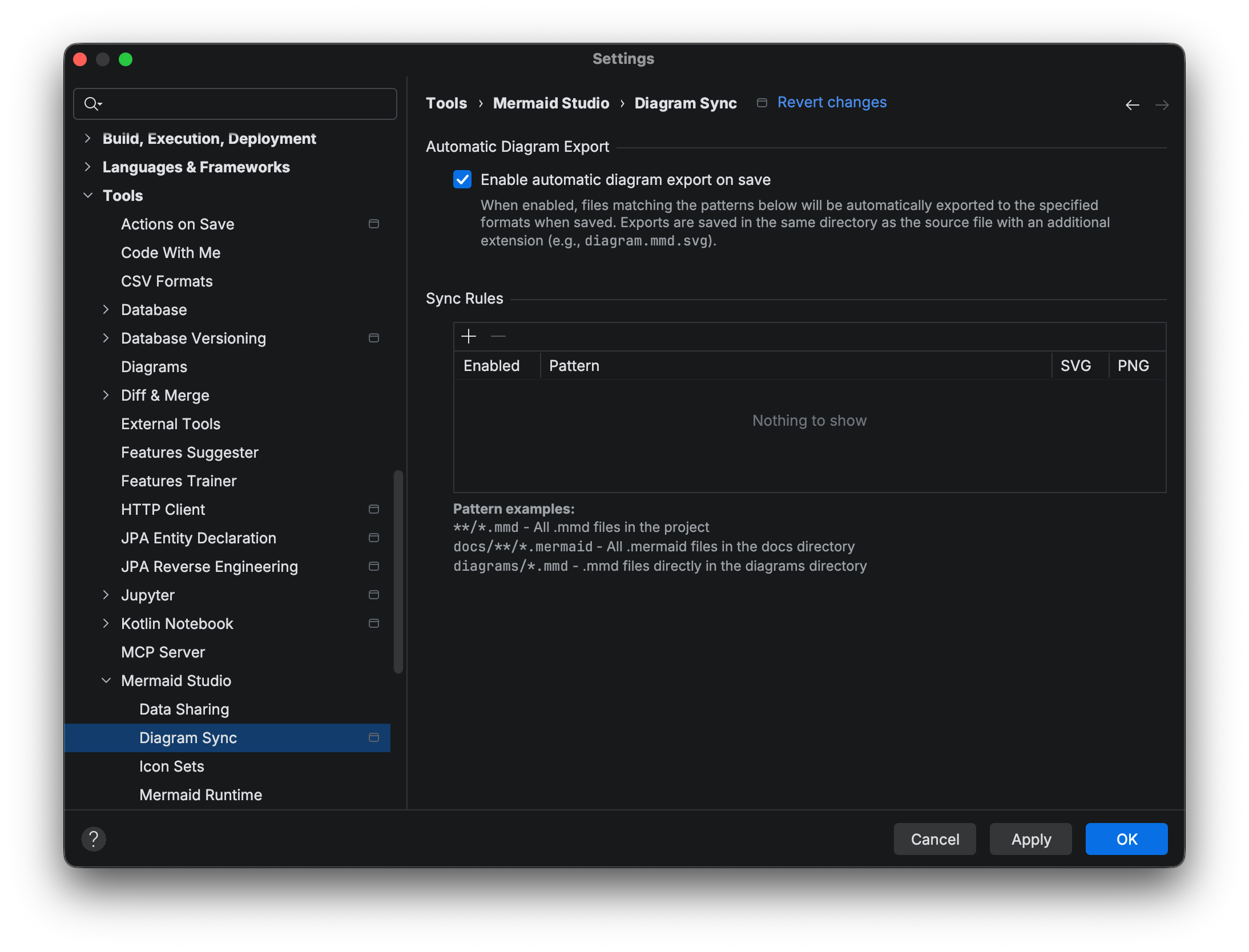
Auto-sync exports
Set a file pattern once and every matching diagram re-exports whenever it changes. Exported assets stay in lockstep with your source. No manual re-export loop.
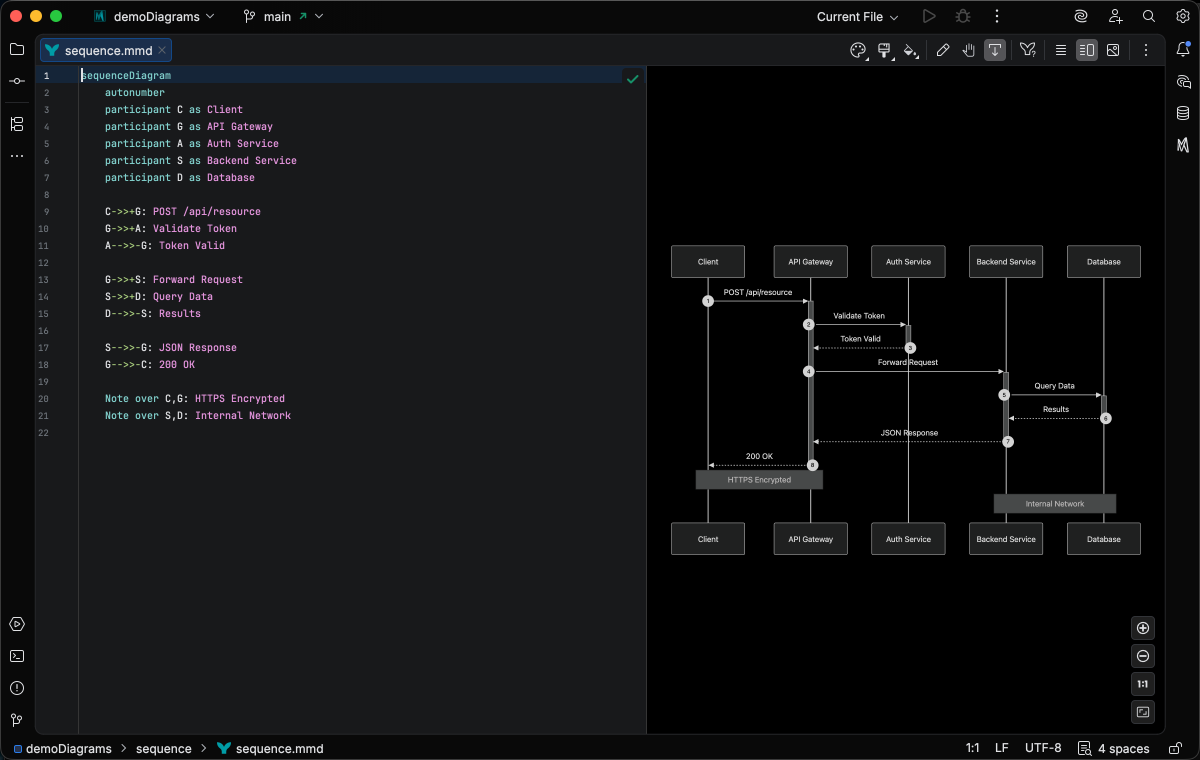
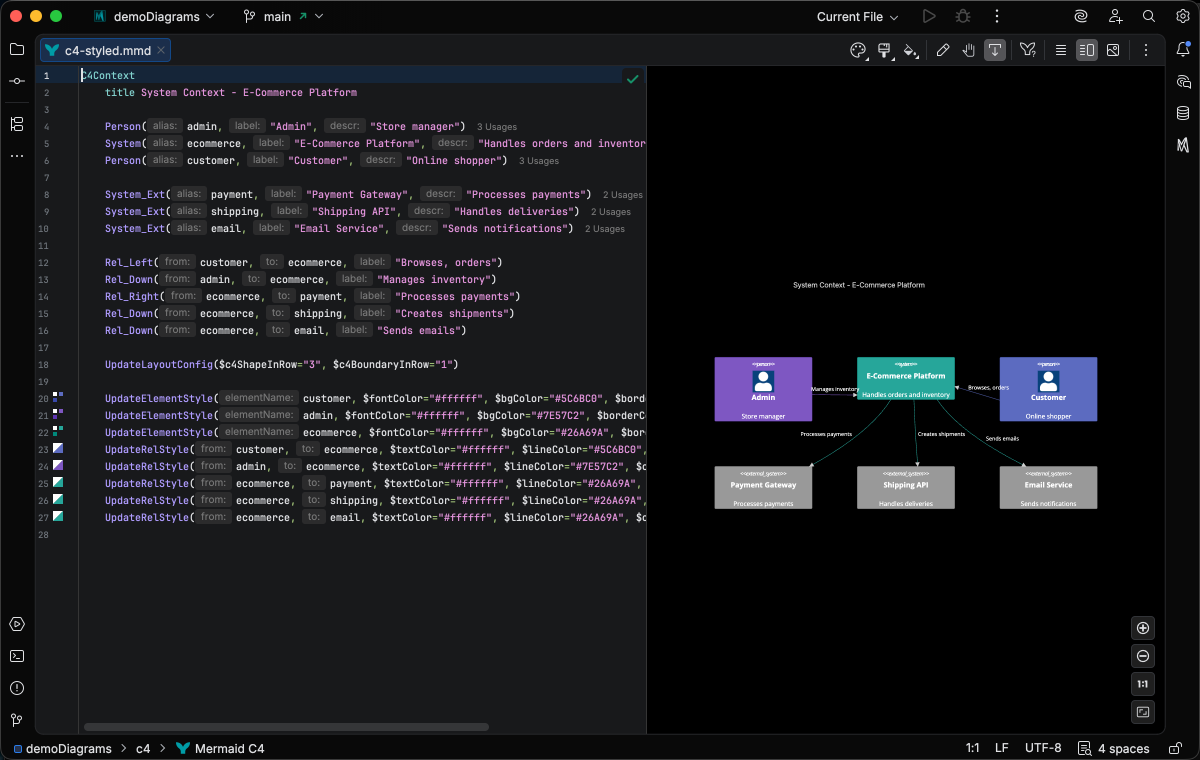
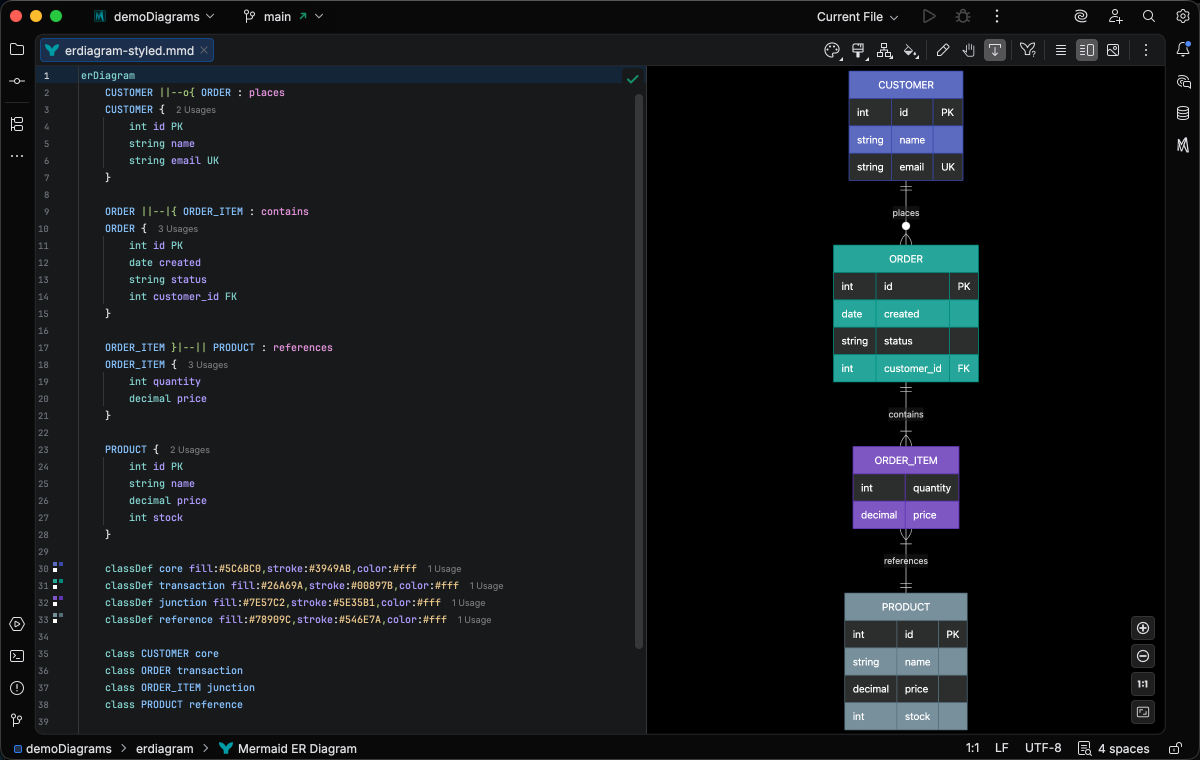
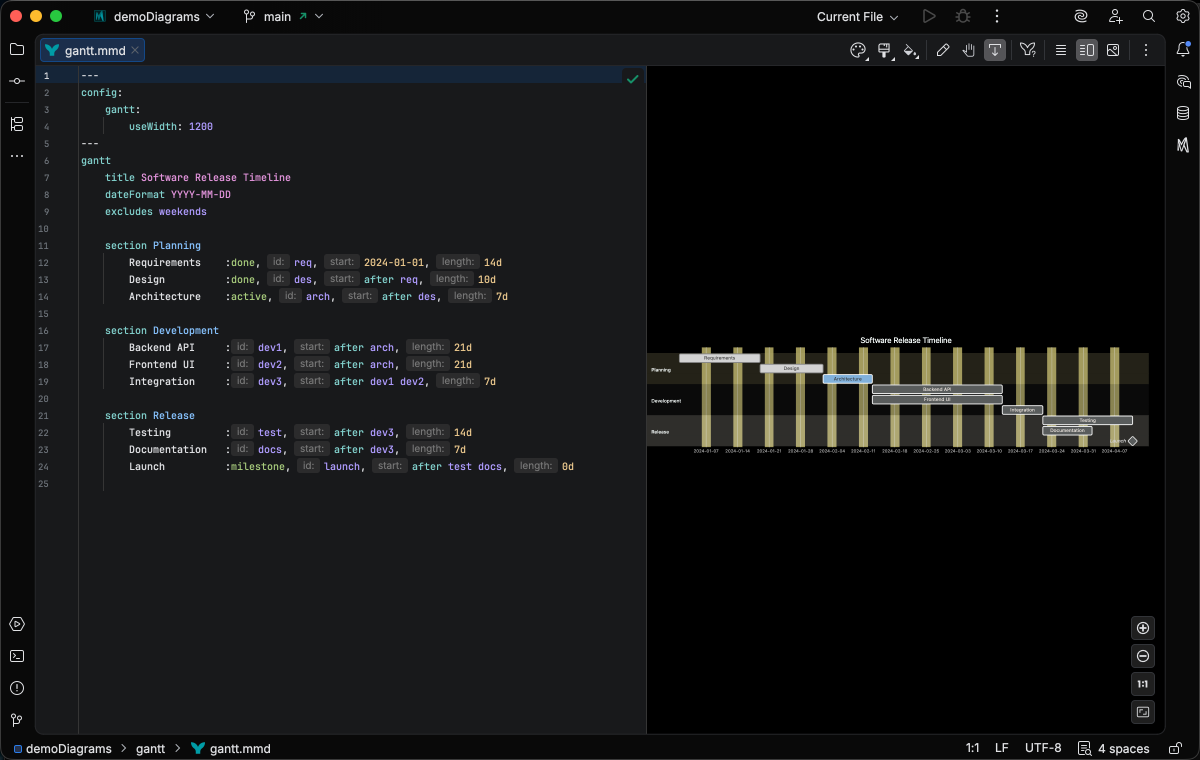
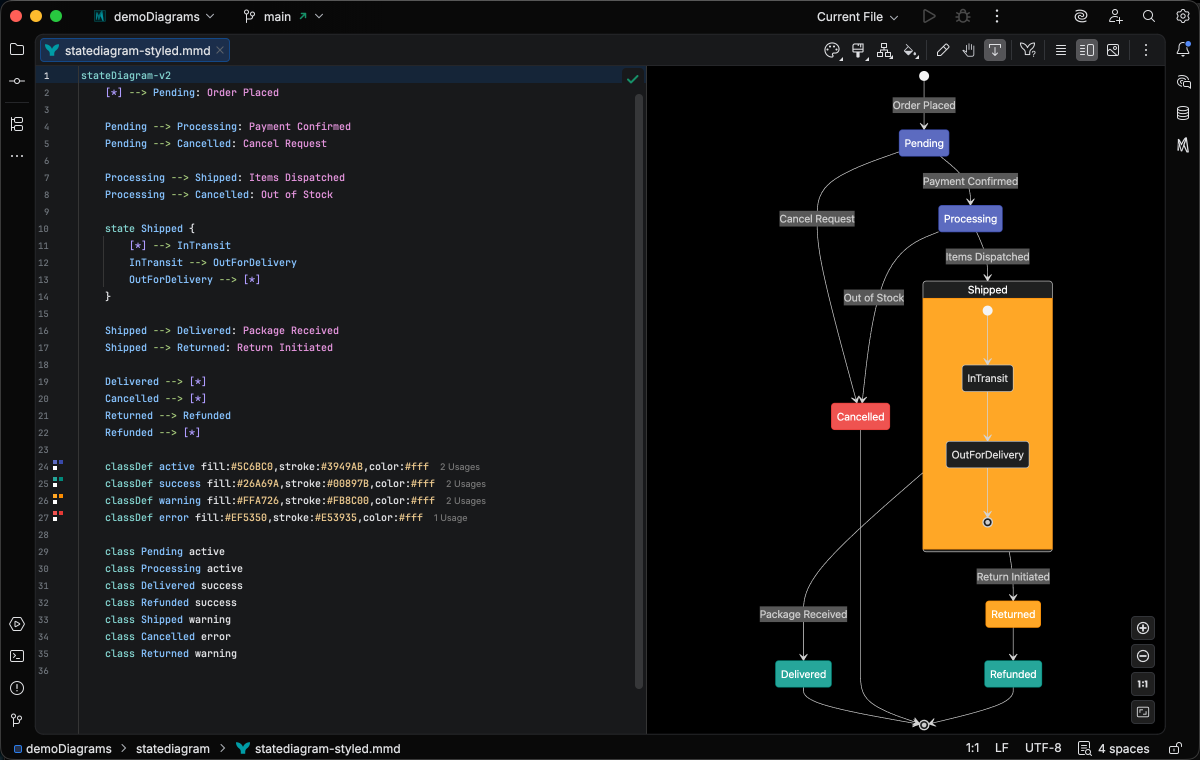
Support for every Mermaid diagram
All 30 native diagram types get rich syntax highlighting and live preview.
Works with every JetBrains IDE


JetBrains and the JetBrains IDE logos are trademarks of JetBrains s.r.o.
New to IntelliJ? Get started for free.
Setup guideSimple, transparent pricing
The Mermaid Studio plugin unlocks every paid feature across all 30 diagram types, free for 30 days. The free and Core tiers ship separately in the Mermaid Studio Core plugin.